Claim Note Prompts for AI
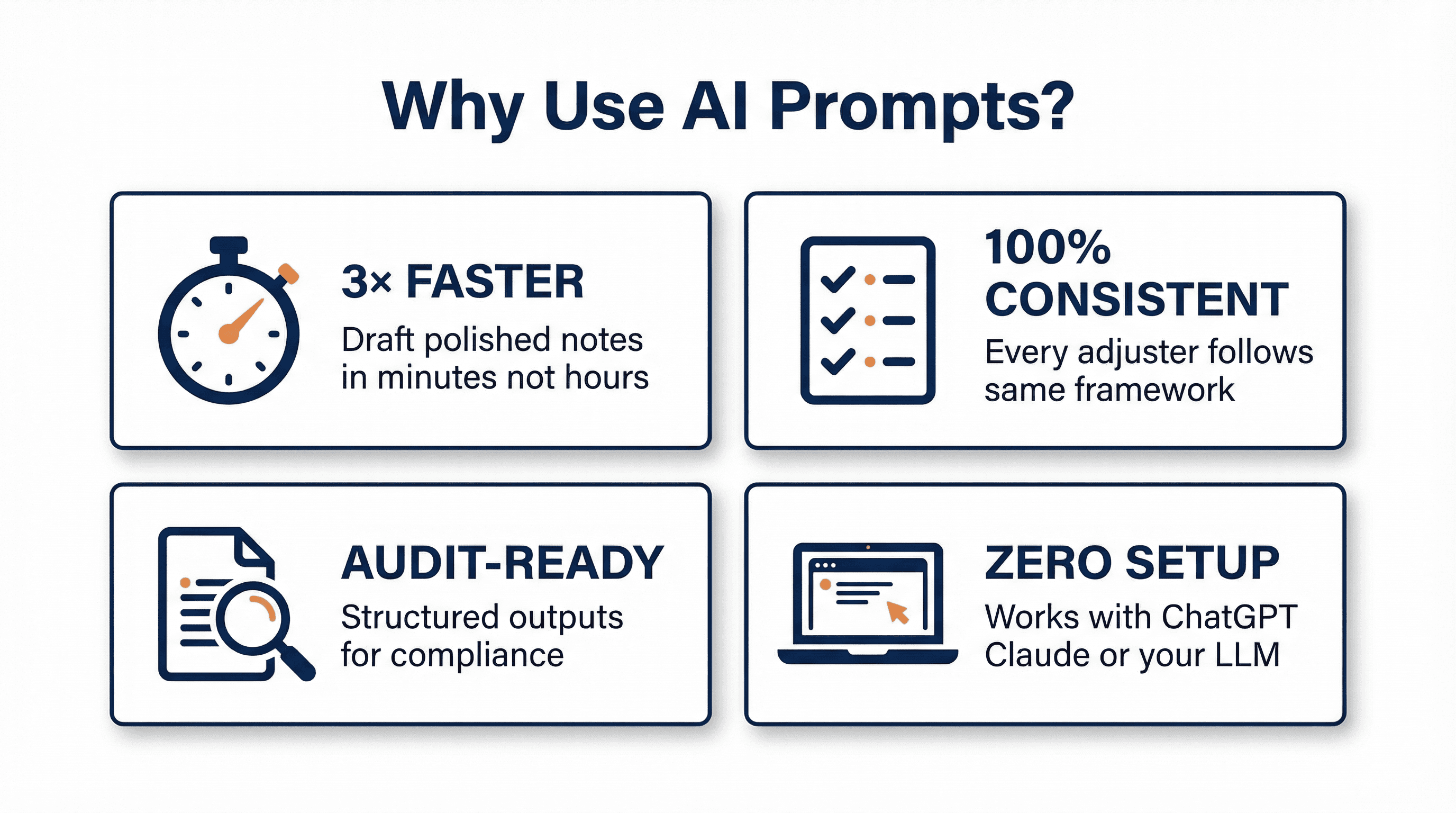
Copy-paste ready prompts to draft claim notes 3× faster. No new software required—just ChatGPT, Claude, or your in-house LLM.
Using AI Safely with Claims Data
Choose Enterprise-grade tiers with zero-retention policies. For medical information, require a Business Associate Agreement (BAA). Your data stays under your control and is never used to retrain models.
3 Rules for Crafting Effective Prompts
The quality of your AI output depends entirely on the clarity and structure of your prompt. Think of a prompt as a detailed referral memo to a senior adjuster—the more specific your instructions, the better the result. Follow these three rules to ensure consistent, audit-ready claim notes every time.
Set the Role & Provide Complete Context
Start every prompt by telling the AI what role it should play. This primes the model to respond with the appropriate expertise and tone. Then supply all critical facts upfront—policy number, loss narrative, dates, parties involved, and amounts paid-to-date.
Example Role Cue:
"You are a senior liability examiner with 15 years of experience handling commercial auto claims..."
Why this matters: Without context, the AI will make assumptions or ask generic questions. By front-loading the facts, you ensure the output is tailored to your specific claim and avoids irrelevant suggestions.
Pro tip: Include jurisdiction, policy type, and any unique circumstances (e.g., "This is a New York Labor Law claim" or "Insured has a $5M umbrella policy") to get more precise guidance.
Break Questions into Numbered Sections
Structure your prompt as a series of numbered questions that mirror the sections of a best-practice claim note: liability analysis, damages assessment, coverage review, and next steps. This ensures the AI addresses every critical element and produces a complete, organized output.
Example Structure:
"Ask me one question at a time for:
1) Date/Time of loss
2) Location and parties involved
3) Incident narrative
4) Injuries and damages
5) Initial liability assessment
6) Immediate actions required"
Why this matters: Numbered sections force the AI to follow a logical sequence and prevent it from skipping important details. It also makes the output easier to audit and ensures consistency across all adjusters on your team.
Pro tip: Customize the numbered sections to match your organization's claim note template. This makes the AI output drop directly into your system without reformatting.
Specify Format & Word Count
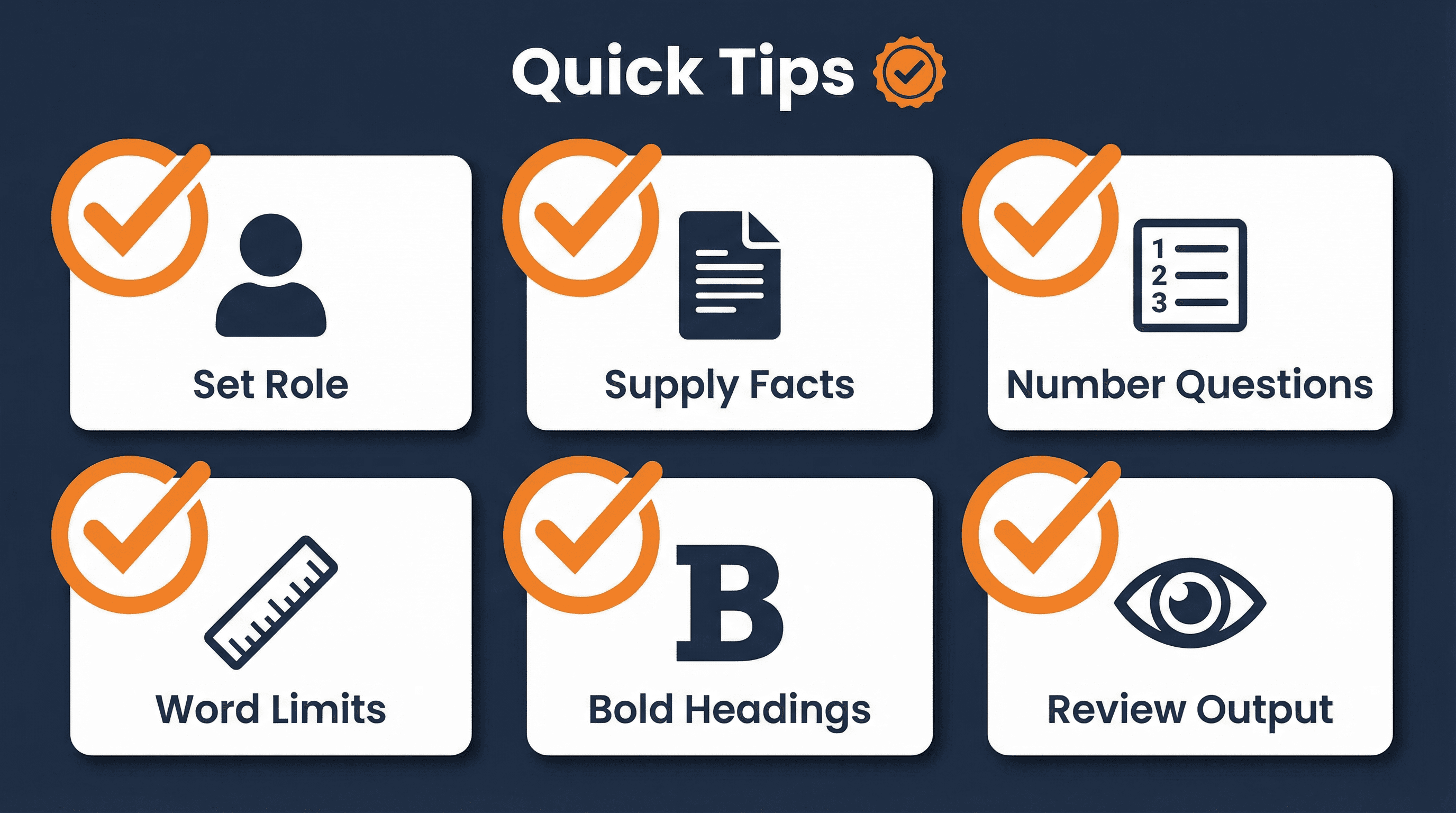
End your prompt with clear formatting instructions. Tell the AI exactly how you want the output structured—word count limits, bold headings, bullet points, or specific sections to emphasize. This ensures the note fits your documentation standards and is ready to paste into your claim file.
Example Format Instruction:
"Compile into a 300-word summary with bold headings for 'Red Flags' and 'Next Actions.' Keep liability analysis under 50 words."
Why this matters: Without format constraints, AI tends to be verbose and generic. By capping word counts and specifying headings, you get concise, scannable notes that supervisors and auditors can review quickly.
Pro tip: If your organization uses specific terminology (e.g., "Exposure Summary" instead of "Reserve Rationale"), include that in your format instructions to maintain brand consistency.
Best Practice: Standardize prompts for each claim-note type and embed them in triage checklists, diary tasks, or chatbots. This ensures consistent, audit-ready documentation happens automatically with every file.
1. General Loss Note
Comprehensive incident documentation
📋 Use this when:
You need to document a new loss with all critical details for the file
Copy-Paste Prompt
▶ View Example Output
Date/Time
15 Apr 2025, 14:30
Location
123 Main St, Albany, NY, service alley behind insured facility
Parties
Insured: ABC Logistics (truck driver)
Claimant: John Smith, pedestrian
Incident Narrative
While reversing along the service alley, an ABC Logistics delivery truck struck pedestrian John Smith. The driver was maneuvering toward a loading dock and did not see the claimant behind the vehicle.
Initial Liability
Driver failed to maintain a proper lookout and did not use a spotter or rear-view camera, placing 70 percent fault on ABC Logistics.
2. Coverage Note
Policy analysis and reservation of rights
📋 Use this when:
You need to analyze coverage triggers, exclusions, and determine if an ROR is required
Copy-Paste Prompt
▶ View Example Output
Policy
GL123456, Commercial General Liability, limit $1 million per occurrence.
Coverage Triggered
Premises Liability, bodily injury arising from insured location operations.
Grey Areas
Evidence suggests claimant may be an employee, and loss involves movement of an insured vehicle while reversing. Either fact could activate the auto exclusion or employee limitation.
Reservation of Rights
Yes. Issue reservation noting potential application of Auto Exclusion and Employee Endorsement.
3. Reserve Note
Reserve estimation with rationale
📋 Use this when:
You need to set or adjust reserves with documented rationale and re-evaluation triggers
Copy-Paste Prompt
▶ View Example Output
Liability Estimate
75 percent responsibility on insured based on driver error and pedestrian location.
Reserve Range (Low / Likely / High)
$50,000 / $120,000 / $250,000
Rationale for Likely Reserve
Albany venue trends toward higher jury awards in orthopedic cases. Claimant is 45, increasing wage loss exposure. The $120,000 likely figure covers projected wage replacement, medical bills, future procedure, and defense costs.
Re-evaluation Triggers
• Rehab extends beyond six months
• Claim enters litigation
• Verified wage loss reaches or exceeds $30,000
Need help implementing these prompts in your organization?
Get in Touch